MorseCQ is a Morse code trainer and a serverless, peer-to-peer Morse chat. Learn the code with structured Koch lessons and keying drills, then key it to real people — one-to-one or in group nets — with no server in the middle.
Pre-alpha.Every v1 module works and is tested, but expect breaking changes — including to saved data. Builds are not yet signed.
· − · ·
Learn properly
Koch method with Farnsworth spacing, 42 lessons, spaced repetition and daily goals.
− · − ·
Talk to people
Messages replay as dits and dahs at your speed, one-to-one or in group nets.
− − · −
Truly peer-to-peer
Built on the Tox network — end-to-end encrypted, no central server, no phone number.
· − − ·
Everywhere
One app for macOS, Windows, Linux, Android and iOS, in English and Chinese.
Everything you need, from first dit to first QSO
Five destinations — Learn, Chat, Groups, Reference and Me — behind one Tox identity that you own.
Learn
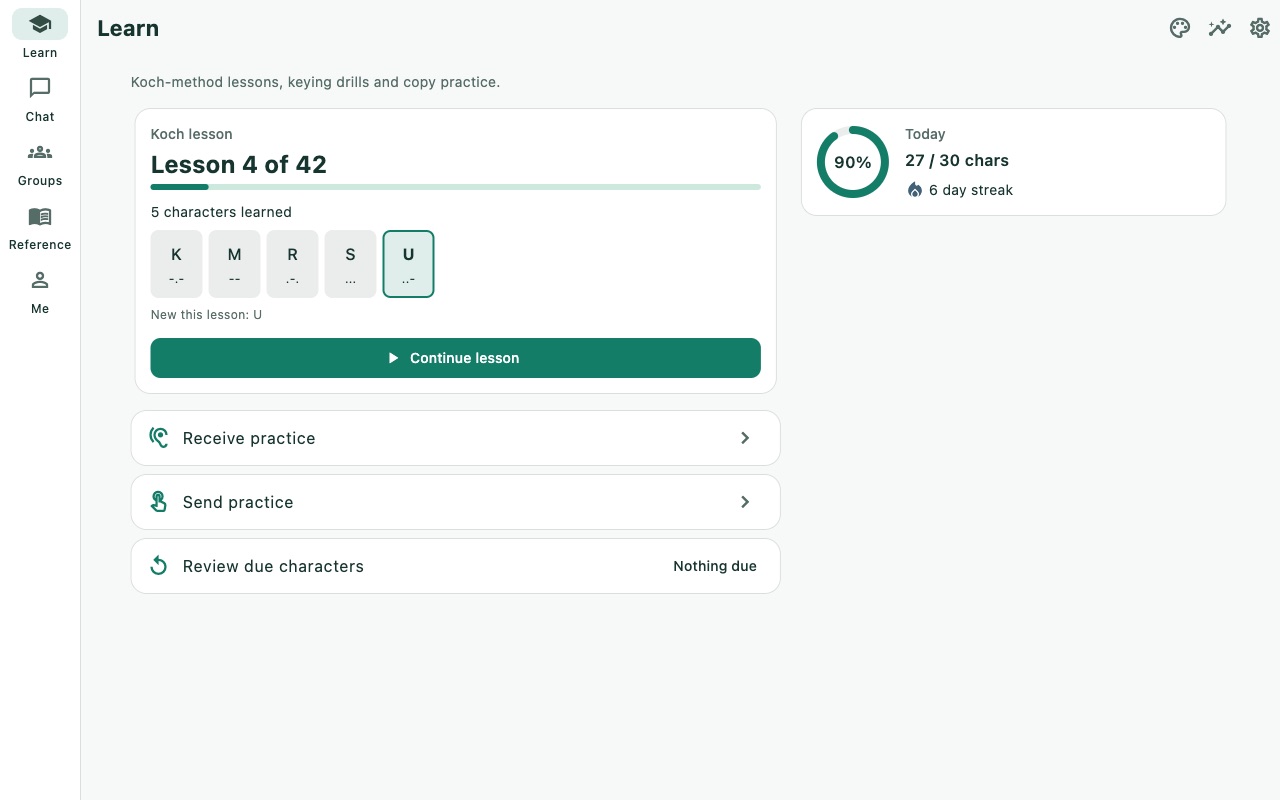
A real course, not a flashcard deck
MorseCQ teaches the way experienced operators recommend: characters at full speed from day one, new ones added only when you copy the current set reliably.
Koch method — 42 lessons with progress stored per identity.
Farnsworth spacing — fast characters, generous gaps while you learn.
Spaced repetition — characters you miss come back when they are due.
Daily goals and streaks to keep a little practice going every day.
Receive & send drills
Copy by ear, key by hand
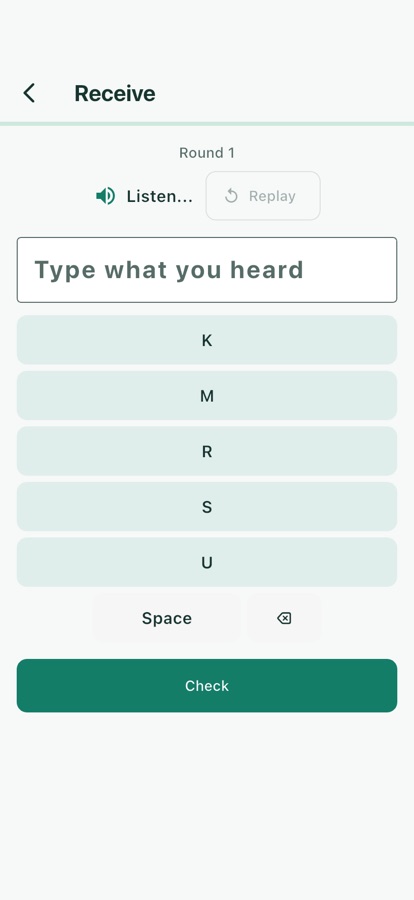
Copy drills cover everything you hear on the air:
Character groupsSingle charactersWordsAbbreviations & Q-codesNumber groupsCallsignsLook-alike pairsShort QSOsContest exchanges
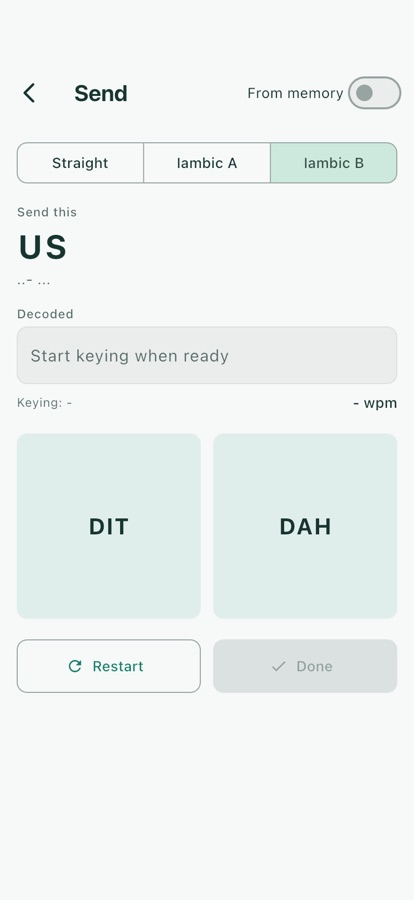
Send practice works on an on-screen straight key or iambic paddle, and on the desktop keyboard. A streaming decoder shows what you keyed in real time, with rhythm diagnostics that tell you whether your dahs are too short or your gaps too long.
Chat
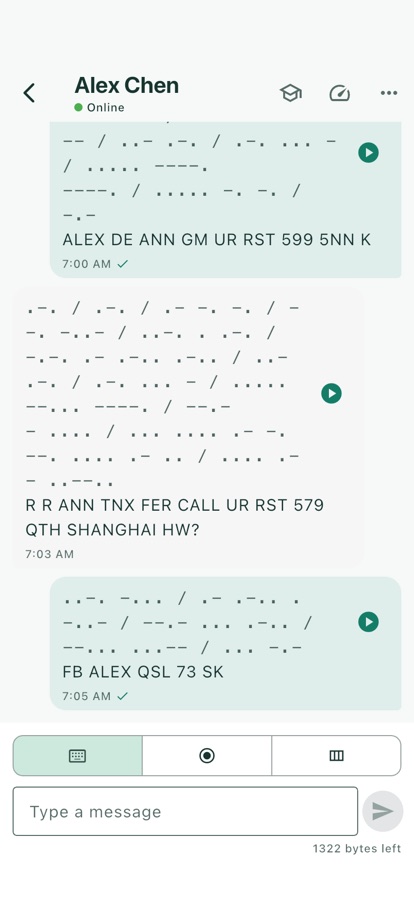
A Morse QSO with a friend, anywhere
Add friends by Tox ID or QR code — no phone number, no email, no sign-up.
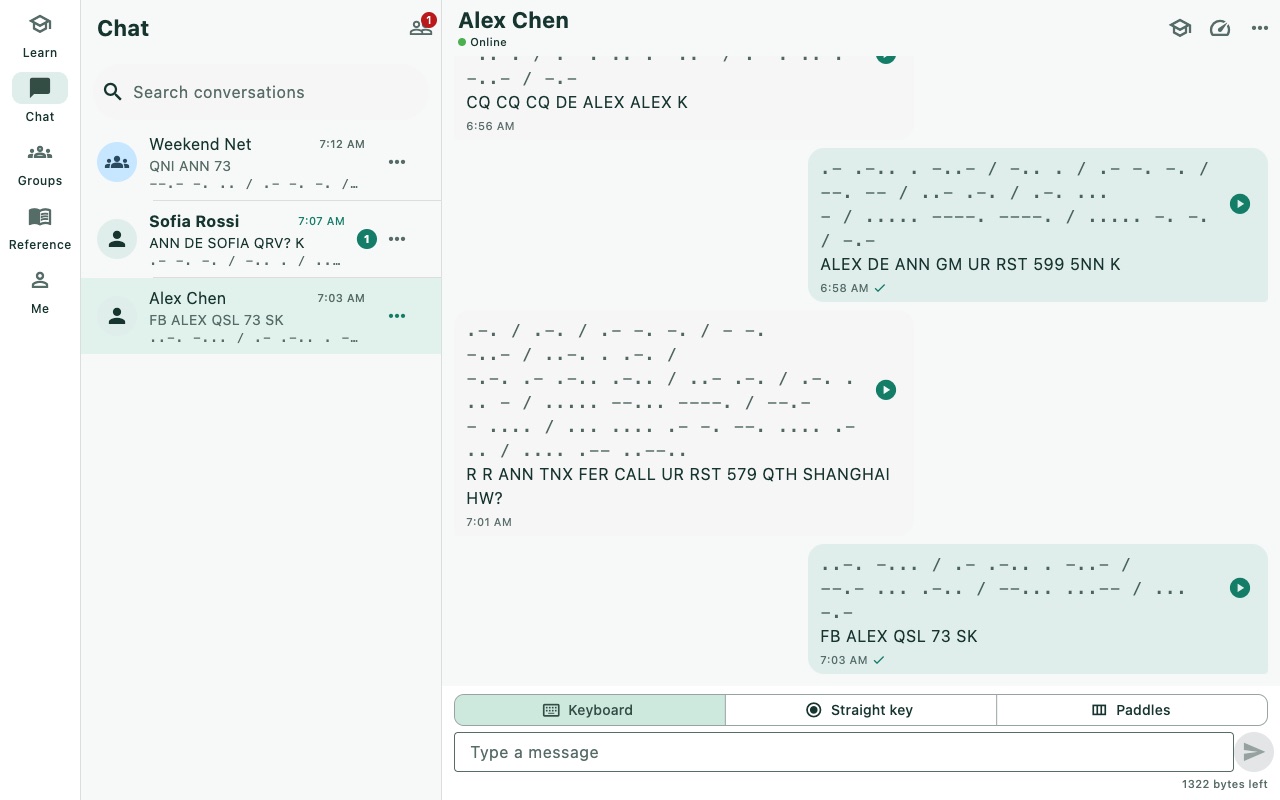
Replayed at the listener's speed — messages travel as plain text, and MorseCQ plays them back as dits and dahs at the WPM you choose.
Listen first, then reveal — a training mode that hides the text until you have copied it by ear.
Three ways to send: keyboard, straight key or paddle, with pre-listen before you hit send.
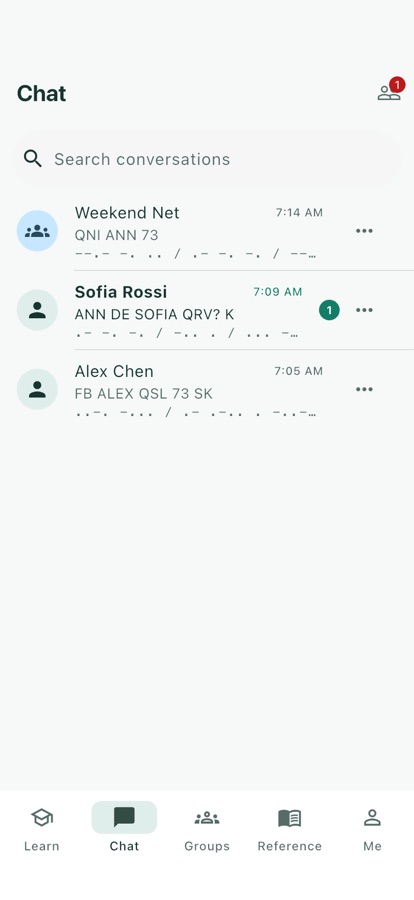
Offline queue — messages wait as "pending" until your friend comes online.
Interoperates with toxee and any other Tim2Tox client.
Groups
Run a net with your club
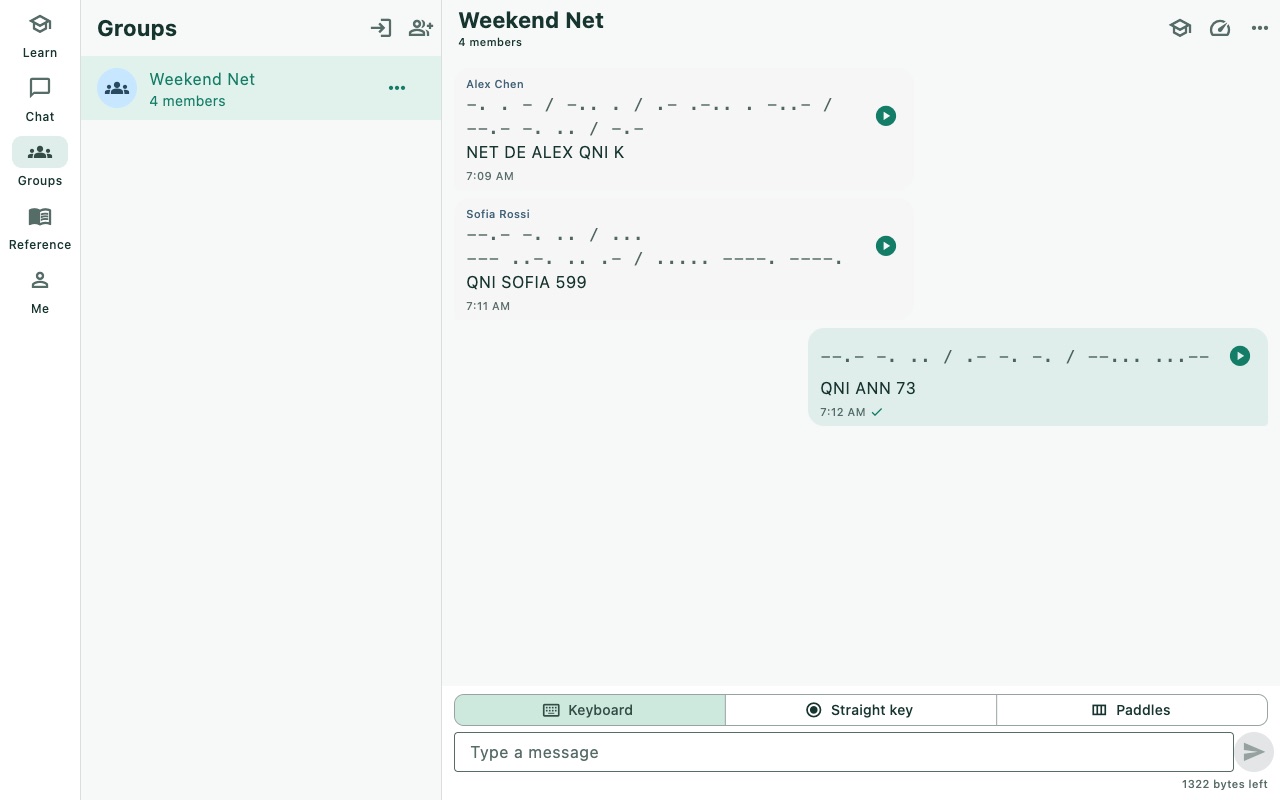
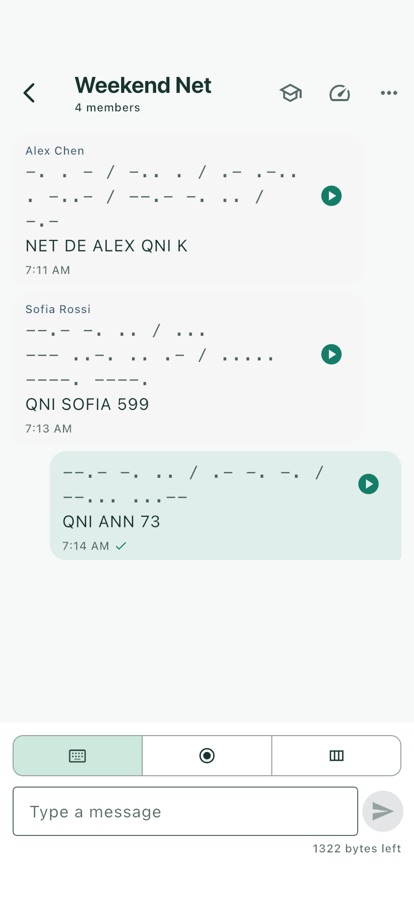
Create a group, invite friends or let them join by chat ID. Group messages are Morse too, with a member list and automatic re-join after restart. Built on Tox NGC groups, so there is still no server.
Listen by microphone
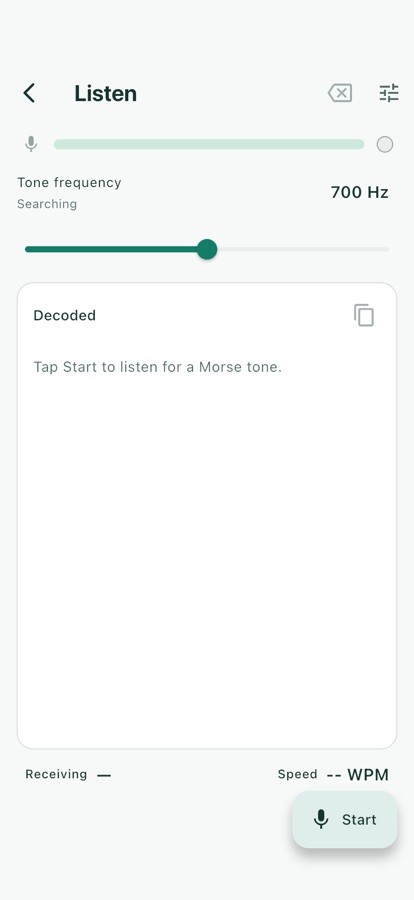
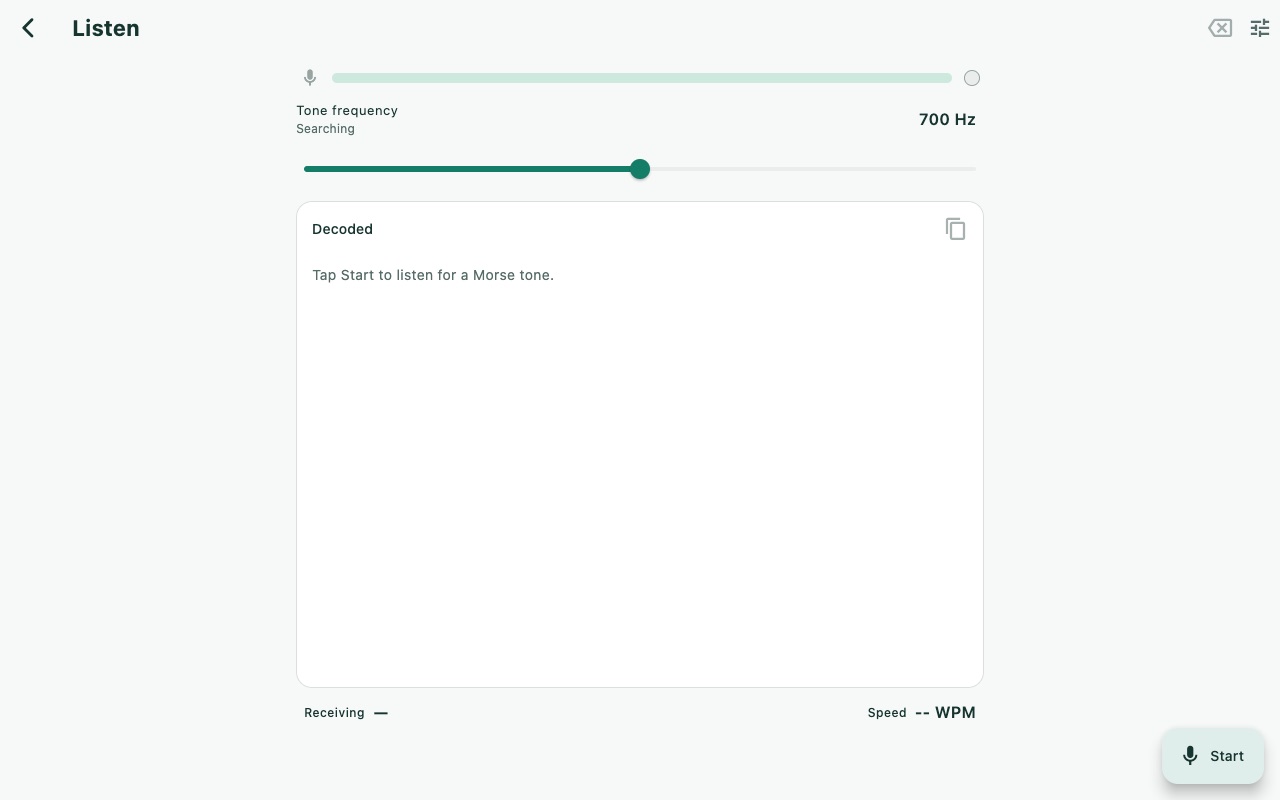
Decode Morse from live audio — a radio, a practice oscillator, a video. Goertzel tone detection with auto-tune and an envelope gate.
Reference & translator
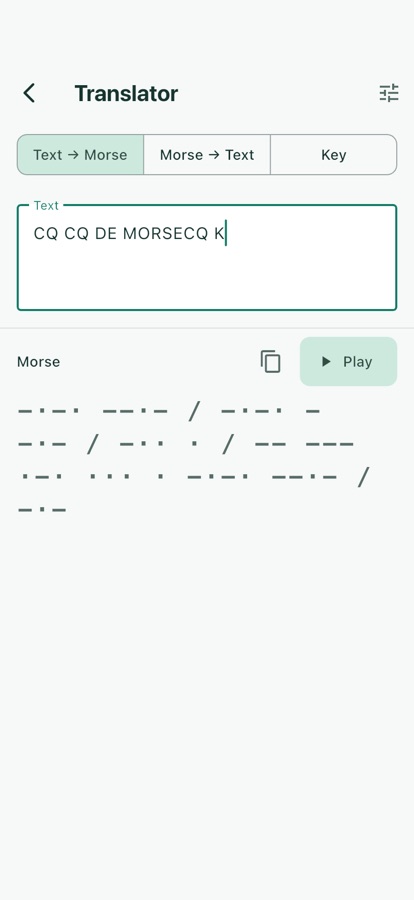
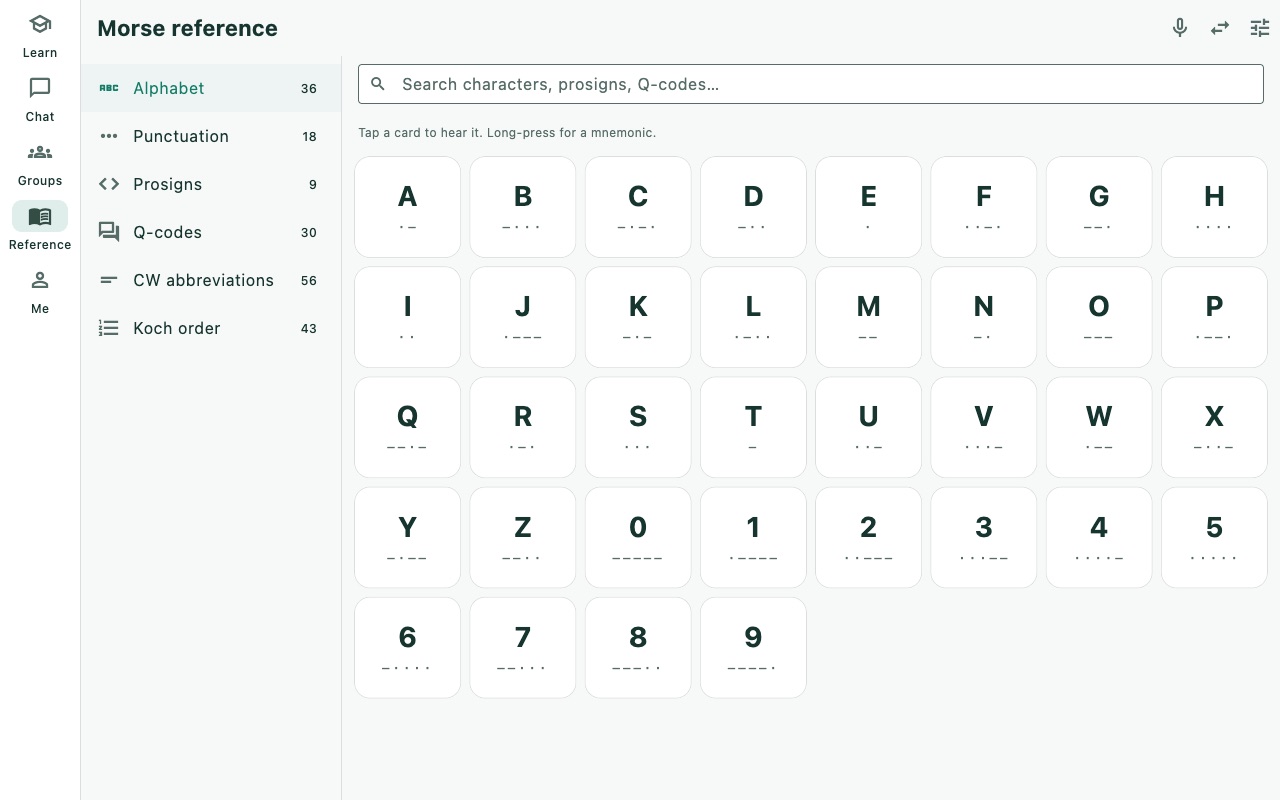
Alphabet, punctuation, prosigns, Q-codes and CW abbreviations, plus a two-way text ↔ Morse translator with playback.
Radio tools
Maidenhead locator with distance and beam heading, IARU band edges with wavelength and antenna lengths, CW speed calculator, RST builder and a UTC clock.
Statistics
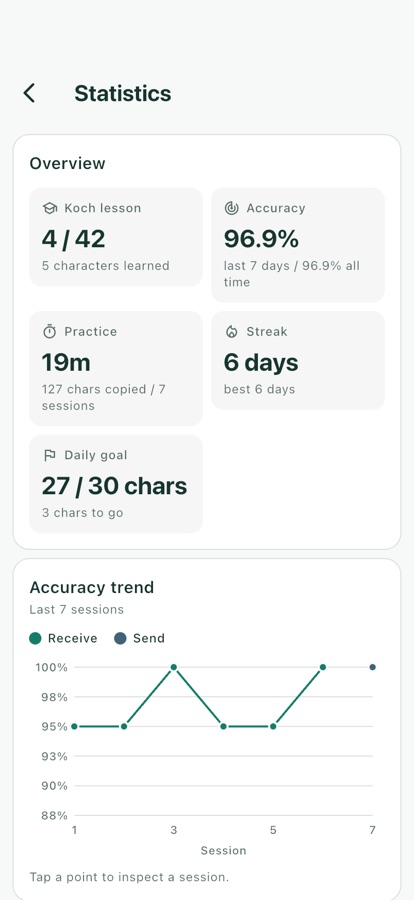
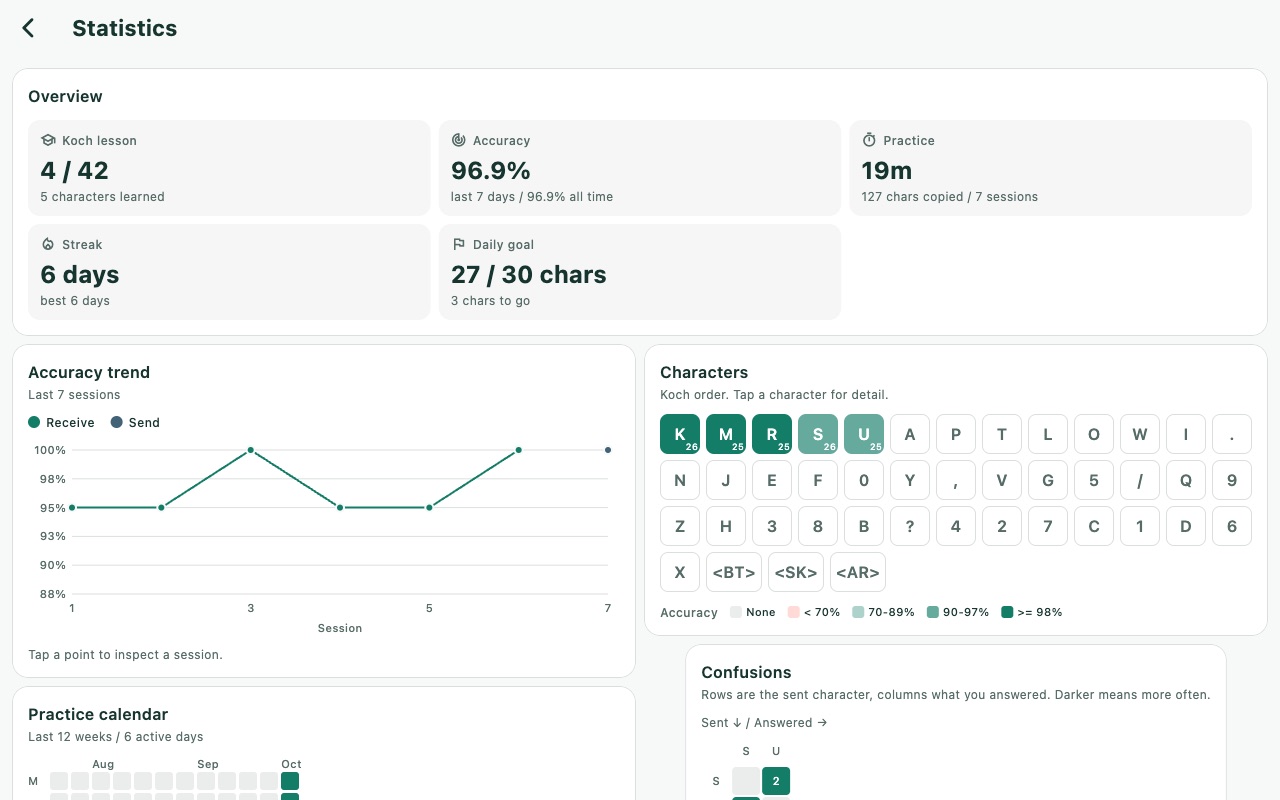
Accuracy trends, a per-character grid, a confusion heat-map that shows which characters you mix up, and a practice calendar.
Five looks, light or dark
Modern Calm, Classic Brass, Night Radio, Paper Handbook and Fresh Cartoon — each with independent System / Light / Dark mode.
Sound, haptics, light
Low-latency sidetone on every platform, haptics on phones and a screen flash everywhere. Notifications arrive with a Morse pattern and an unread badge.
Your identity, your keys
The Tox identity is created on your device. Back it up and restore it as an encrypted .tox file or a QR code.
At home on the desktop
Window size remembered, close to tray, tray menu and keyboard shortcuts on macOS, Windows and Linux.
How a message travels
1
You key it
Type, tap a straight key or squeeze a paddle. MorseCQ decodes your keying into text.
2
Tox carries it
The text travels end-to-end encrypted over the Tox peer-to-peer network. There is no central MorseCQ server and nothing stores your chat.
3
They hear it
Their MorseCQ plays it as Morse at their chosen speed and tone — so a beginner and an old hand can talk comfortably.
Try it right here
Type something and hear it the way MorseCQ plays a message.
Screenshots
Real frames captured by the app's own screenshot tool, not mock-ups.
Sign it yourself or sideload (e.g. AltStore, Sideloadly). Not on the App Store.
From source
Flutter 3.41.9 · Dart 3.11
git clone --recursive \
  https://github.com/agentx-icu/morsecq.git
cd morsecq
dart run tool/bootstrap_deps.dart
dart pub get
cd apps/morsecq && flutter run
No. MorseCQ runs over the internet, not the airwaves — anyone can learn and chat. If you are a licensed operator, it is a great way to keep your CW sharp between contacts.
Is there a server? Who can read my messages?
There is no central MorseCQ server. Messages travel between devices over the Tox network, end-to-end encrypted — when a direct connection is not possible, Tox relays carry only ciphertext they cannot read. Your identity is a key pair generated on your device — back it up from Me → Backup, because nobody can recover it for you.
Can I chat with people who use toxee or another Tox client?
Yes. Messages are sent as plain text using the same Tim2Tox protocol as toxee, so they can read your messages and you will hear theirs as Morse.
Do I need an account or an internet connection to practise?
There are no accounts. A local Tox identity is created on first launch and your training progress is stored against it on your device. Lessons and drills run locally.
Why does my system warn me when I install it?
Pre-alpha builds are not yet code-signed or notarized. On macOS right-click the .pkg and choose Open (or run xattr -d com.apple.quarantine <file>); on Windows choose More info → Run anyway in SmartScreen. The Android APK uses a debug key, so a future store build will not upgrade it in place. Verify downloads against SHA256SUMS.
Does it support voice or video calls?
No, by design. MorseCQ is about Morse. Transmitting your actual keying rhythm (rather than decoded text) is planned for a later version.
Is it really free?
Yes. MorseCQ is free software under the GNU General Public License v3.0. Bug reports and contributions are welcome on GitHub.